> ## Documentation Index
> Fetch the complete documentation index at: https://help.decodo.com/llms.txt
> Use this file to discover all available pages before exploring further.

# Stackposts 代理设置指南

<Steps>
  <Step>
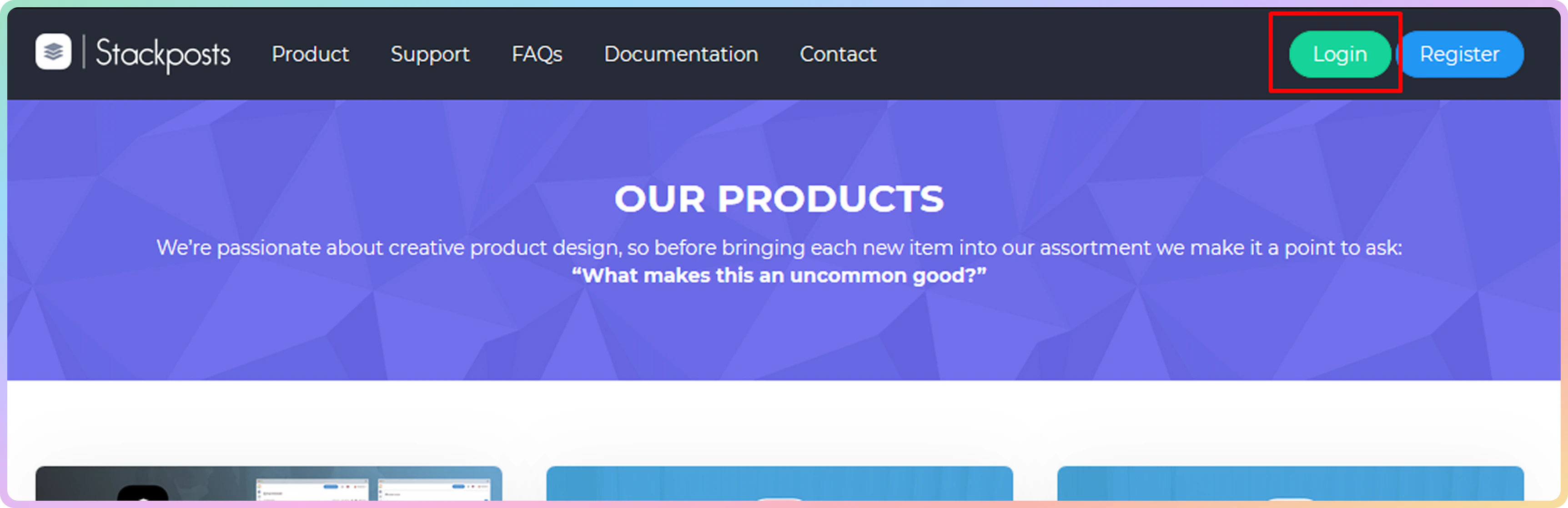
    打开 **Stackposts** 主页并点击 **Login** 按钮。输入您的凭据并进入仪表板。
    <img src="https://mintcdn.com/decodo/ZzFFt4k1AMcE-z1r/images/docs/a0dfe62bd24c899ebe771f1213e3a01dd63833afaa5d128560aa9fb7aba2e55c-stackposts1.png?fit=max&auto=format&n=ZzFFt4k1AMcE-z1r&q=85&s=8cd93a22753f328fc8ec89967f5c8524" alt="" width="3448" height="1116" data-path="images/docs/a0dfe62bd24c899ebe771f1213e3a01dd63833afaa5d128560aa9fb7aba2e55c-stackposts1.png" />
  </Step>

  <Step>
    在仪表板菜单中，选择 **Proxies** 图标。

    <img src="https://mintcdn.com/decodo/eRLuBYAbadfvmqDE/images/docs/2a28460f4b0c57f4e9781b6dc913cdb16b891637883cada6c0950b59f54bdc93-stackposts2.png?fit=max&auto=format&n=eRLuBYAbadfvmqDE&q=85&s=d27c7aebd7846c1c28e18c8db3a5e895" style={{ width:"20%" }} className="mx-auto" width="512" height="3028" data-path="images/docs/2a28460f4b0c57f4e9781b6dc913cdb16b891637883cada6c0950b59f54bdc93-stackposts2.png" />
  </Step>

  <Step>
    您现在将看到已添加到您账户的所有代理。

    <img src="https://mintcdn.com/decodo/eRLuBYAbadfvmqDE/images/docs/39903ea738c3e1684662eaa98e4229678ccbaf7d7270ab3f074df1bca39cbd1a-stackposts3.png?fit=max&auto=format&n=eRLuBYAbadfvmqDE&q=85&s=827ae6f543c863708e0bdf84654f606d" alt="" width="3448" height="352" data-path="images/docs/39903ea738c3e1684662eaa98e4229678ccbaf7d7270ab3f074df1bca39cbd1a-stackposts3.png" />

    <Warning>
      ### Decodo Stackposts 身份验证

      **Stackposts** 是一个第三方工具，不在您的机器上本地运行。因此，此工具不支持白名单 IP 身份验证。
    </Warning>
  </Step>

  <Step>
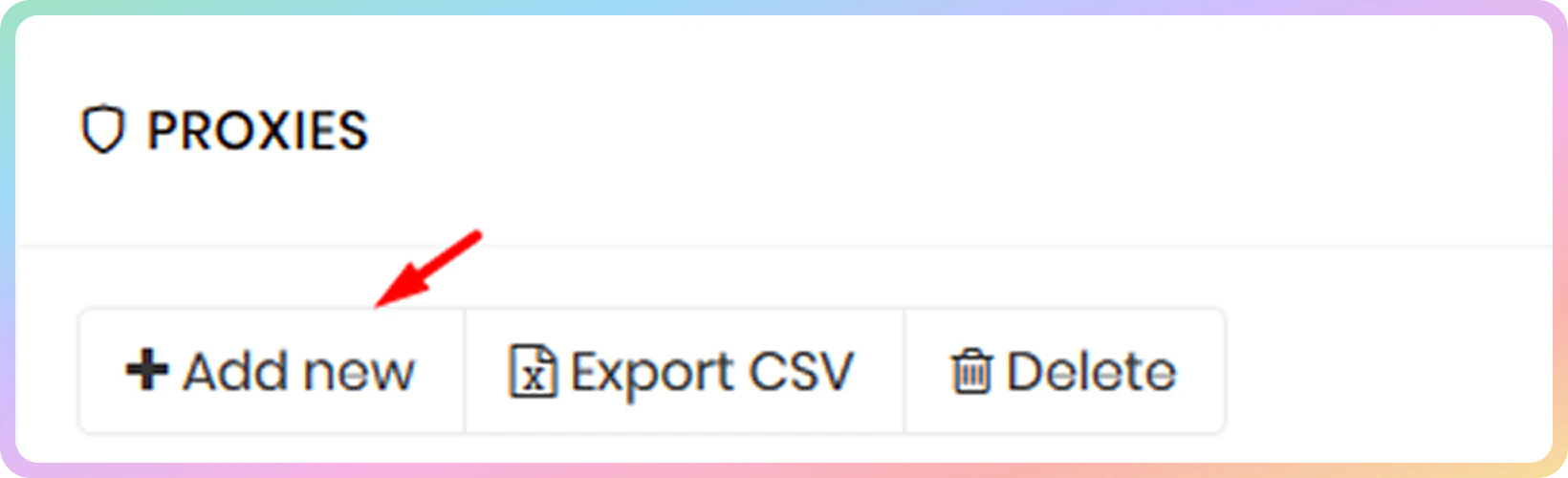
    要通过我们的代理网络进行身份验证，请选择 **Add new** 按钮。

    <img src="https://mintcdn.com/decodo/HeowWjVaMvMCJRIK/images/docs/54882941e49d38e1dc964d12c2c9c14763d76bee29af692809a03cda593da756-stackposts4.png?fit=max&auto=format&n=HeowWjVaMvMCJRIK&q=85&s=3902a9ffdc78bd8c83c41af972ea7410" style={{ width:"64%" }} className="mx-auto" width="1640" height="500" data-path="images/docs/54882941e49d38e1dc964d12c2c9c14763d76bee29af692809a03cda593da756-stackposts4.png" />
  </Step>

  <Step>
    您可以使用以下格式进行身份验证：

    * `http://username:password@gate.decodo.com:10000`
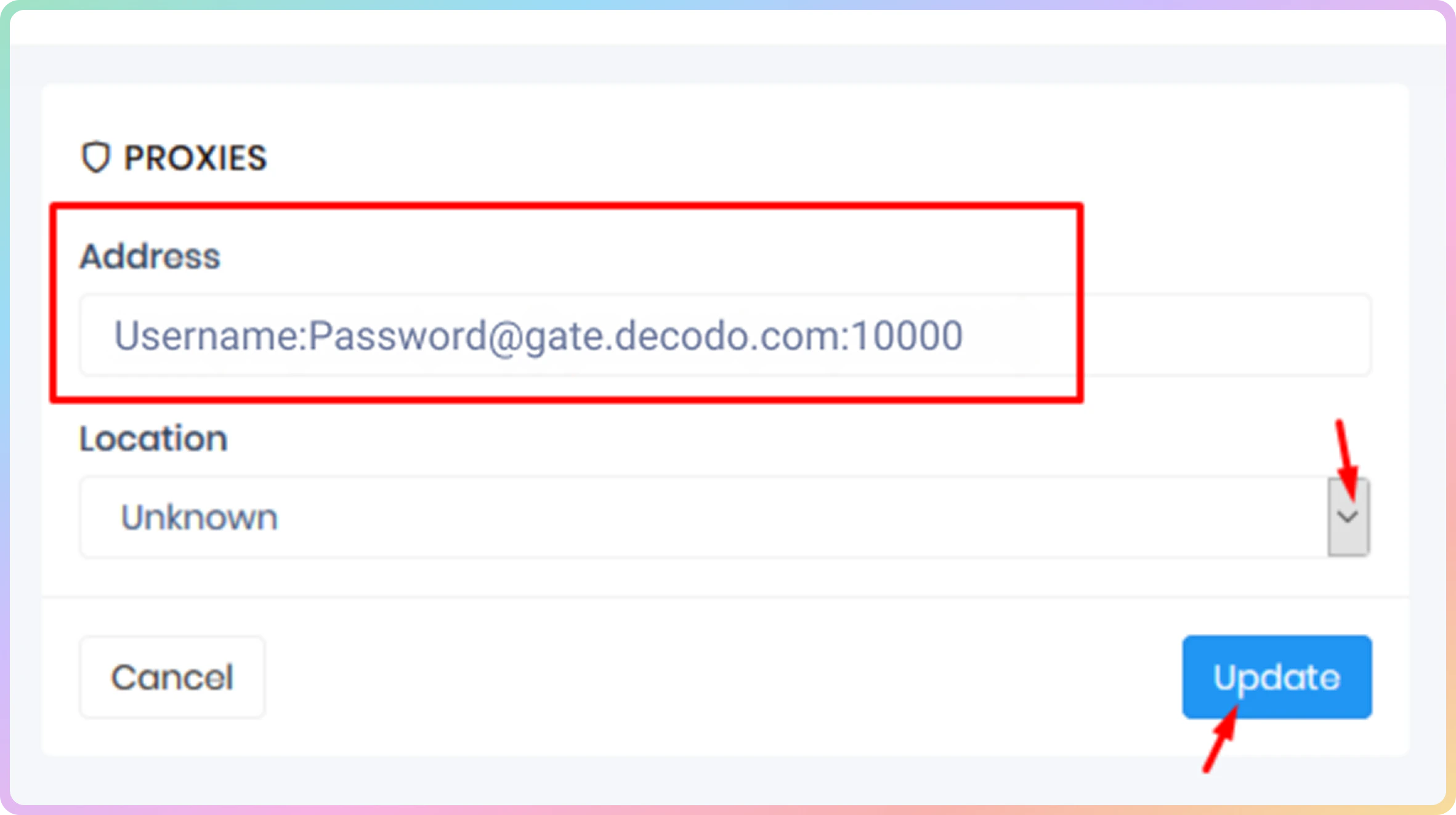
    * `username:password@gate.decodo.com:10000`

    <img src="https://mintcdn.com/decodo/HeowWjVaMvMCJRIK/images/docs/713144e1f97361cdd562b6cfe7d3245cf471564b6d4f4b5369417698eb6ca864-stackposts05.png?fit=max&auto=format&n=HeowWjVaMvMCJRIK&q=85&s=016e0df8e6a2043b661f333d990ce17e" style={{ width:"64%" }} className="mx-auto" width="2364" height="1324" data-path="images/docs/713144e1f97361cdd562b6cfe7d3245cf471564b6d4f4b5369417698eb6ca864-stackposts05.png" />
  </Step>
</Steps>

***

<Columns cols={2}>
  <Card title="支持" href="https://direct.lc.chat/12092754" cta="让我们聊聊！">
    需要帮助或只是想打个招呼？我们的支持团队全天候为您服务。 \
    您也可以随时通过电子邮件 [support@decodo.com](mailto:support@decodo.com) 联系我们。
  </Card>

  <Card title="反馈" href="mailto:feedback@decodo.com" cta="分享反馈">
    找不到您要找的内容？请求一篇文章！ \
    有反馈意见？分享您对我们如何改进的想法。
  </Card>
</Columns>