

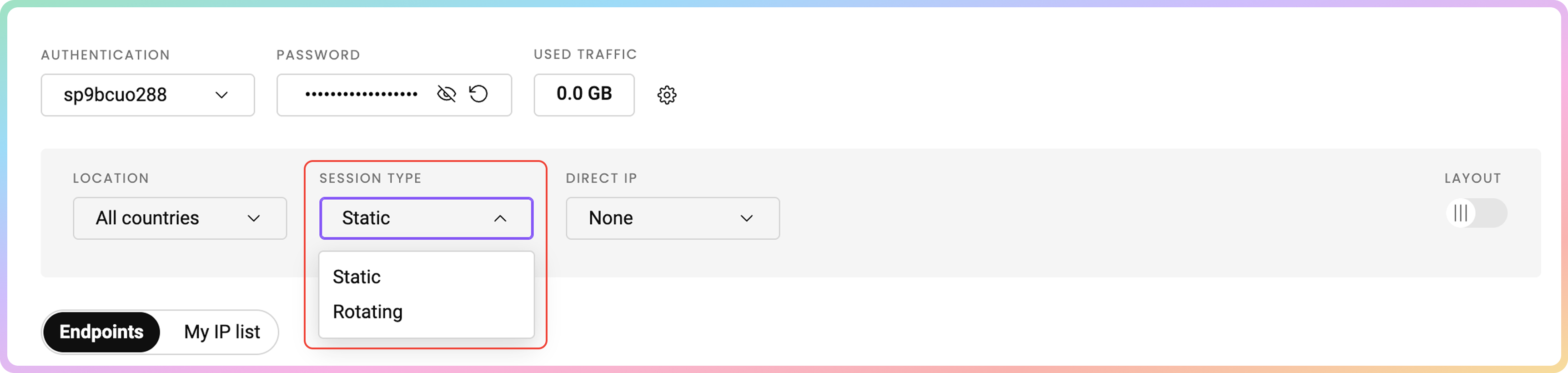
Static Port
Ports10001-63000 provide a static IP lasting until you decide to change it or the session ends.
- Change the IP address manually by switching to a different port.
If you’re using port numbers that exceed the total IP count you’ve purchased with your plan, the ports will iterate through your existing IPs.
User:pass example
Here are a few basic request examples with a static port in various programming languages when authenticating via the username:password method.
Whitelisted IP example
Here are a few basic request examples with a static port in various programming languages when authenticating via the whitelisted IP method.Rotating Rort
The port10000 rotates the IP on every request you make and will choose the IPs from the list that you have purchased.
User:pass example
Here are a few basic request examples with a rotating port in various programming languages when authenticating via the username:password method.
Whitelisted IP example
Here are a few basic request examples with a rotating port in various programming languages when authenticating via the whitelisted IP method.Support
Need help or just want to say hello? Our support is available 24/7.
You can also reach us anytime via email at support@decodo.com.
You can also reach us anytime via email at support@decodo.com.
Feedback
Can’t find what you’re looking for? Request an article!
Have feedback? Share your thoughts on how we can improve.
Have feedback? Share your thoughts on how we can improve.