

More information can be found on GitHub here.
Features
- Easy integration. Plug the Decodo’s n8n node into existing workflows to start scraping with minimal setup.
- Bypassing CAPTCHAs, rate-limits, and IP bans. Automatic handling of common anti-bot defenses.
- Geo-targeting. Request region-specific results from websites that restrict content based on location.
- Rotating proxy support to avoid IP bans. Built-in proxy rotation to keep requests distributed and persistent.
- Structured data output. Get results in JSON or Markdown formats for easy readability and further analysis.
Installation
Decodo is an official node integrated into n8n. To use it, simply:- Open the nodes panel.
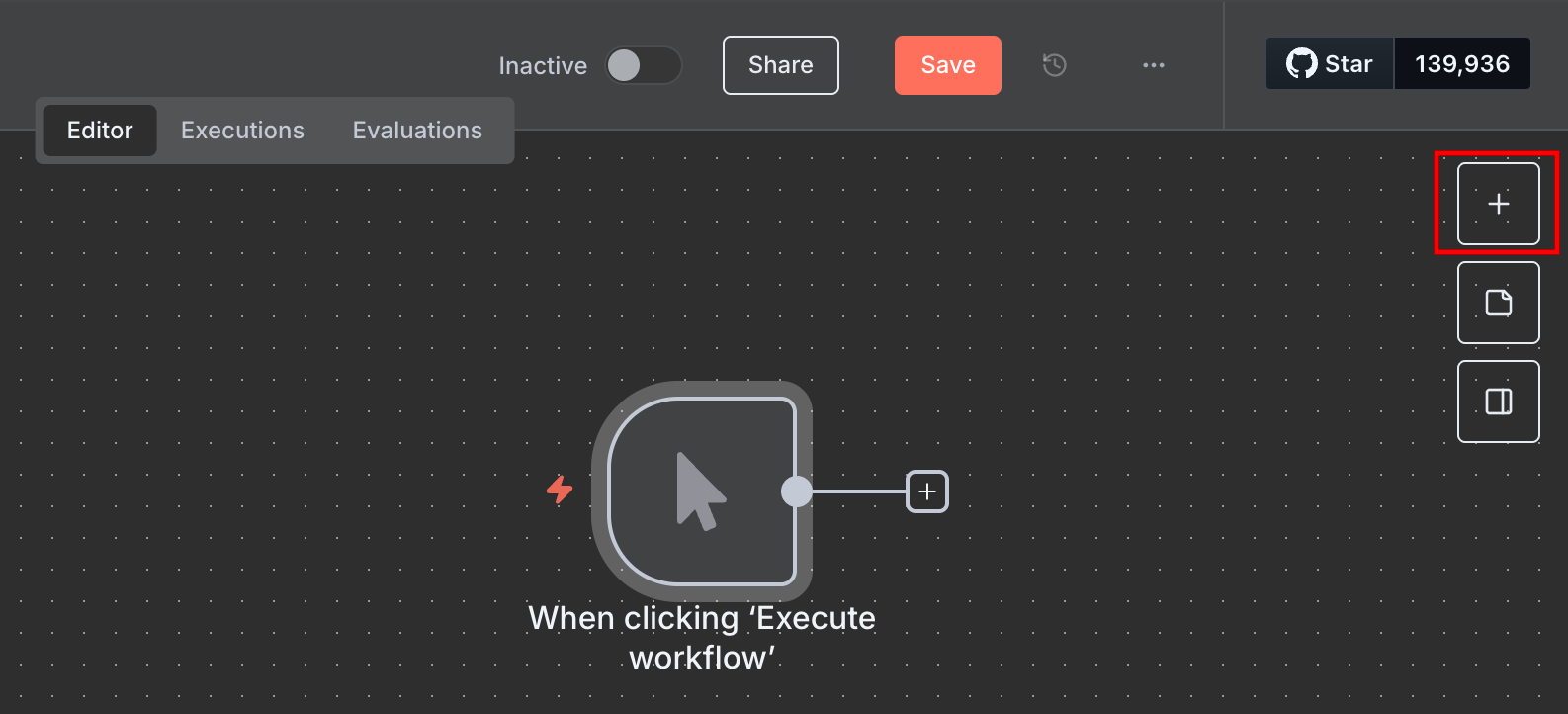
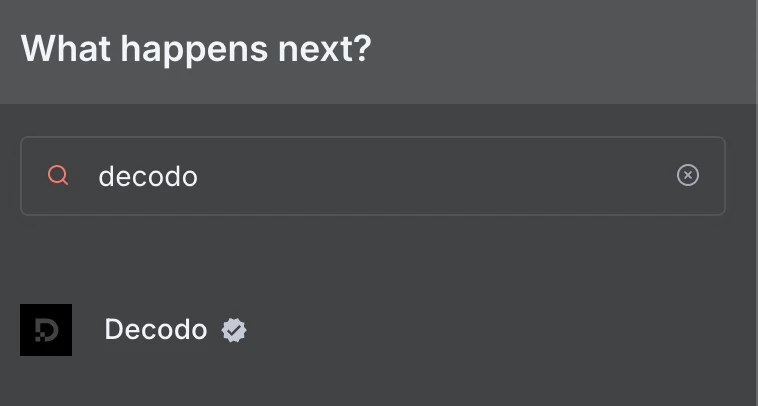
- Search for “Decodo” to find the node.
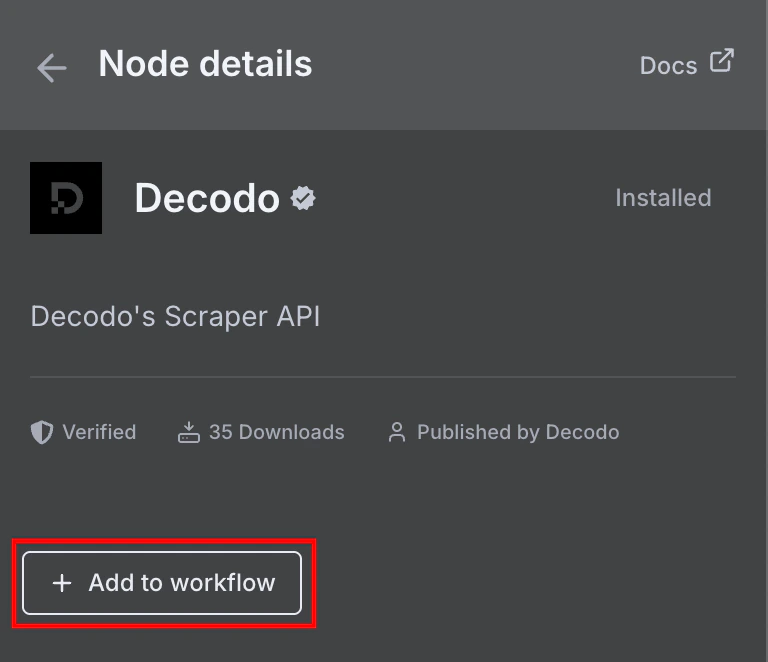
- Click** + Add to workflow.**
Obtaining a Decodo account
The node requires a Decodo Web Scraping API Advanced plan. Once you have a plan activated, take a note of your generated authentication token from the Web Scraping API page: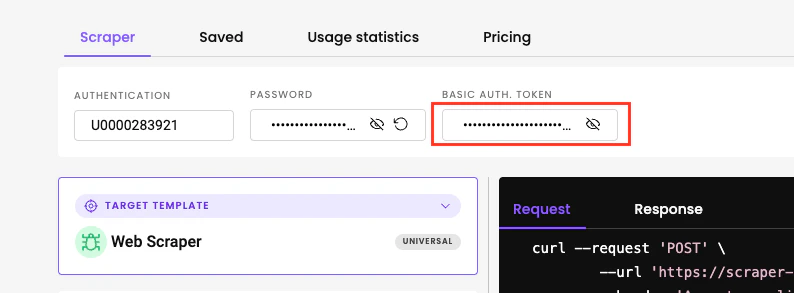
Setting up credentials on n8n
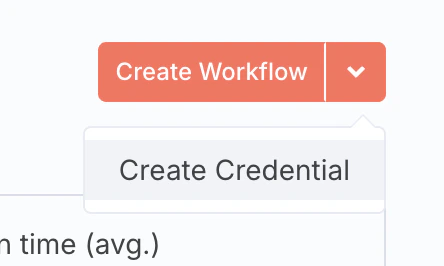
- Open the credentials window on n8n.
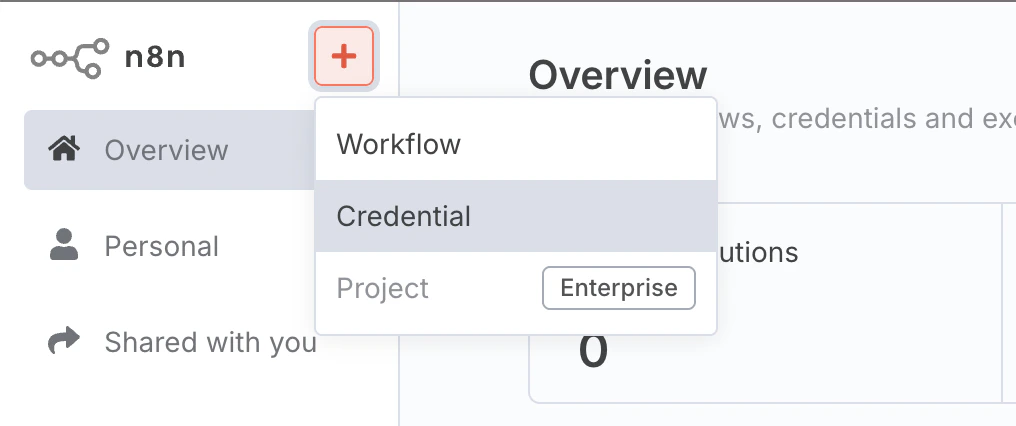
- Create a new credential.
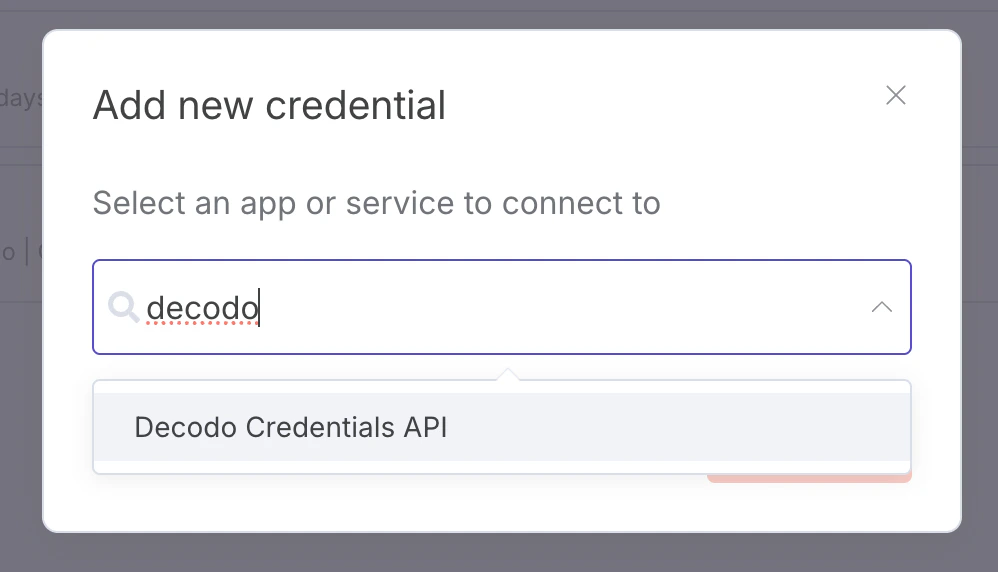
- Find the Decodo Credentials API.
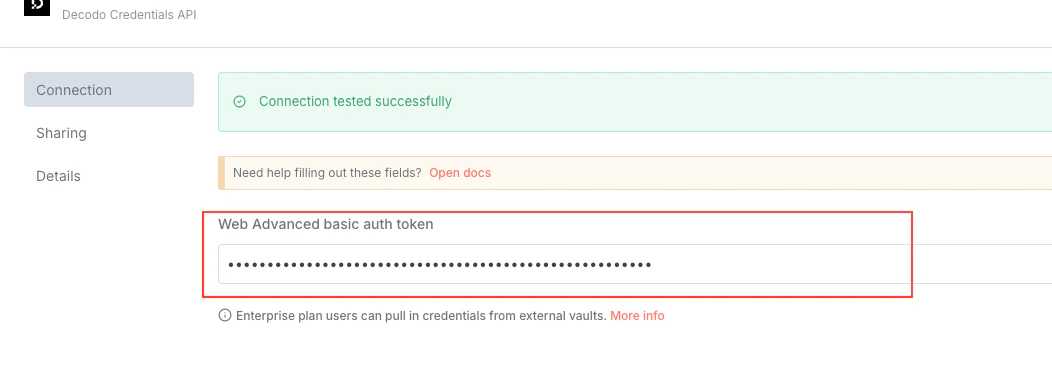
- Enter your authentication token.
Using the node
The node can be used in 2 ways - as an individual HTTP request node, or a tool for an AI agent.Individual node
To use the Decodo node by itself, connect it to an existing workflow. Once you add it, you can set the target URL and Geolocation.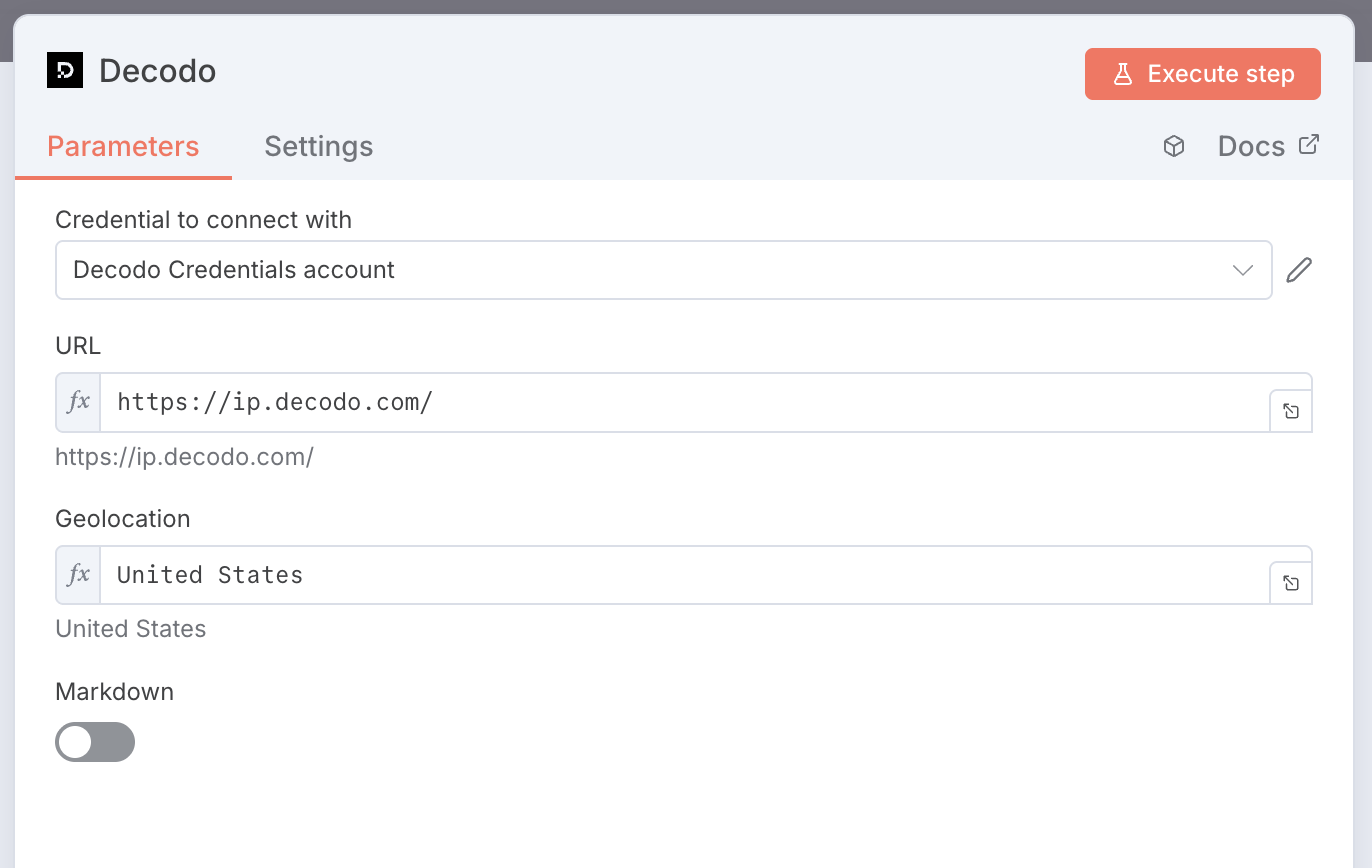
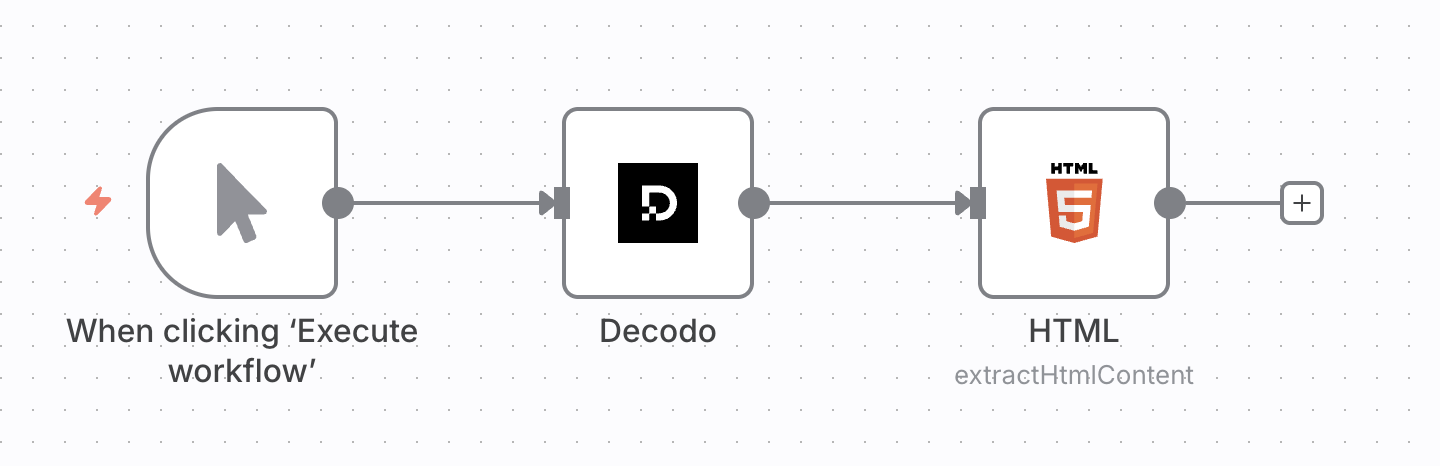
AI Agent tool
You can connect the Decodo node to the AI Agent node as a tool. You don’t need to modify anything inside the node. Here’s what a simple setup would look like: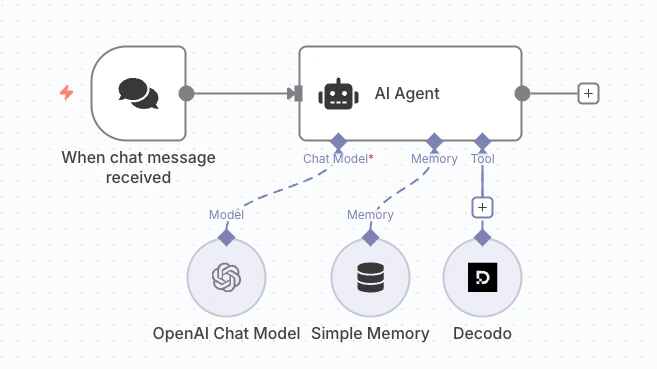
Bad prompt example
If your AI model does not have access to the most recent web information, the following question may fail:who won NBA in 2025?
Good prompt example
The question is more likely to be answered by updating the prompt with an instruction to scrape a reliable source:scrape wikipedia and tell me who won NBA in 2025
Parameters
When used as an AI tool, the following parameters are inferred automatically from messages:
If used as an individual node, these parameters can be manually configured by double-clicking on the node.
Compatibility
Node has been developed and tested with:- Node.js v22.17.0
- n8n nodes API version 1
- n8n-workflow v1.82.0
Support
Need help or just want to say hello? Our support is available 24/7.
You can also reach us anytime via email at support@decodo.com.
You can also reach us anytime via email at support@decodo.com.
Feedback
Can’t find what you’re looking for? Request an article!
Have feedback? Share your thoughts on how we can improve.
Have feedback? Share your thoughts on how we can improve.